Why Your Pinterest Pins Are Not Getting Clicks (And How to Fix It)
Sometimes, it’s not your content that needs fixing — just the way people discover it.
Getting impressions on Pinterest but barely any clicks? You’re not alone. Many creators struggle with this exact problem. You spend time designing beautiful pins, posting consistently, and hoping for traffic — but the clicks just don’t come.
The truth is, getting impressions on Pinterest is one thing, but getting actual clicks is another. Many creators struggle with this, especially when they’re putting in effort but not seeing website traffic.
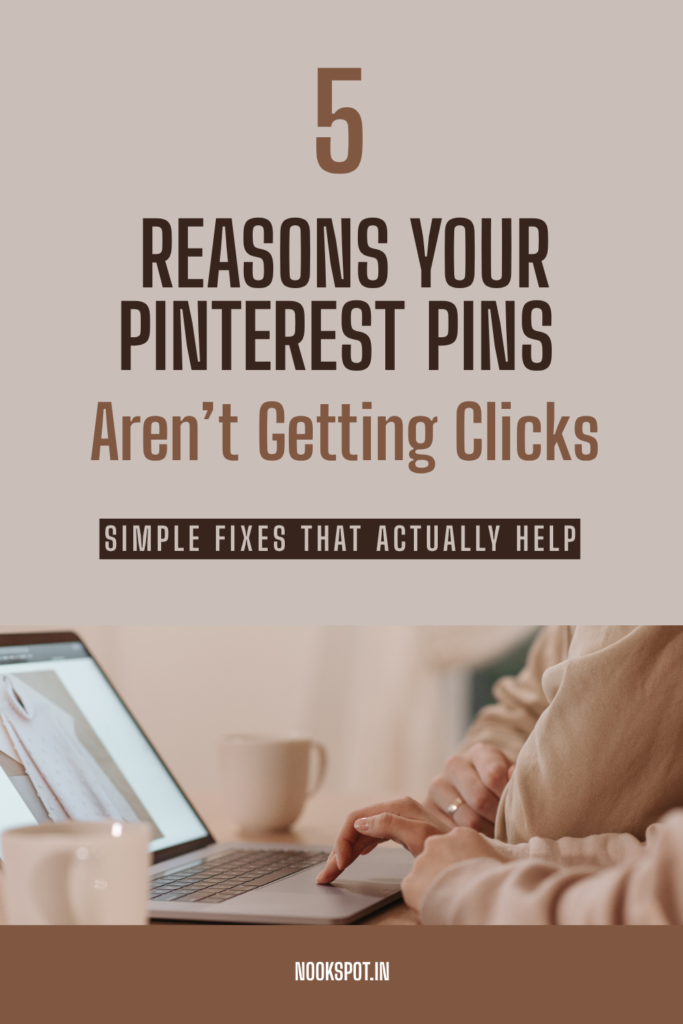
If your Pinterest pins are not getting clicks, don’t worry — a few simple changes can make a huge difference.
1. Your Pin Design Is Not “Click-Worthy”
Pinterest is a visual search engine. If your pin doesn’t grab attention in seconds, people will simply scroll past it.
Ask yourself:
* Is the text easy to read?
* Does the design feel clean and eye-catching?
* Is the image relevant to the topic?
Sometimes beautiful pins still don’t work because they don’t clearly tell people why they should click.
For example, instead of writing:
“Pinterest Tips”
Try:
“Why Your Pinterest Pins Are Not Getting Clicks (+ Easy Fixes)”
Specific titles create curiosity and improve click-through rates.
2. Your Pin Title Is Too Generic
One of the biggest Pinterest mistakes is using vague titles.
Pinterest works like a search engine, which means keywords matter. If people are searching for “Pinterest traffic tips,” but your pin says only “Grow Faster,” Pinterest may not understand what your content is about.
Use clear and searchable keywords naturally in:
* Pin title
* Pin description
* Blog title
* Image overlay text
This helps Pinterest show your content to the right audience.
Still Getting Impressions but Low Traffic?
If your pins are getting impressions but traffic still feels low, understanding how Pinterest traffic actually works can help. I shared some simple, beginner-friendly strategies in my guide on How to Get Traffic from Pinterest to Your Website: 6 Simple Fixes That Actually Work.
3. Your Pin Doesn’t Create Curiosity
People click when they feel they’ll get value.
Instead of giving away everything in the pin itself, create a small curiosity gap.
For example:
❌ 5 Pinterest Tips
✅ 5 Pinterest Mistakes That Are Secretly Killing Your Traffic
See the difference?
The second one makes people want to know more.

4. Your Content and Pin Don’t Match
Imagine clicking a pin about “Pinterest Growth Tips” and landing on a blog that barely talks about Pinterest.
People leave quickly — and Pinterest notices.
Your pin promise and blog content should match perfectly. If your pin says “Simple Fixes,” make sure the blog actually gives practical fixes.
This builds trust and improves long-term performance.
5. You’re Not Testing Different Pin Designs
Here’s something many bloggers miss: one blog can have multiple pins.
Sometimes your content is good, but the pin design or title isn’t connecting with people.
Try:
* Different fonts
* Different text overlays
* Different cover images
* Different headlines
A small design tweak can suddenly increase clicks.
Final Thoughts
If your Pinterest pins are not getting clicks, don’t assume your content is bad. Often, it’s just small things — unclear titles, weak visuals, or missing keywords.
Pinterest growth takes testing and patience. Keep experimenting, improve your pin strategy, and focus on making people curious enough to click.
Because sometimes, one tiny change is all it takes for a pin to finally take off.
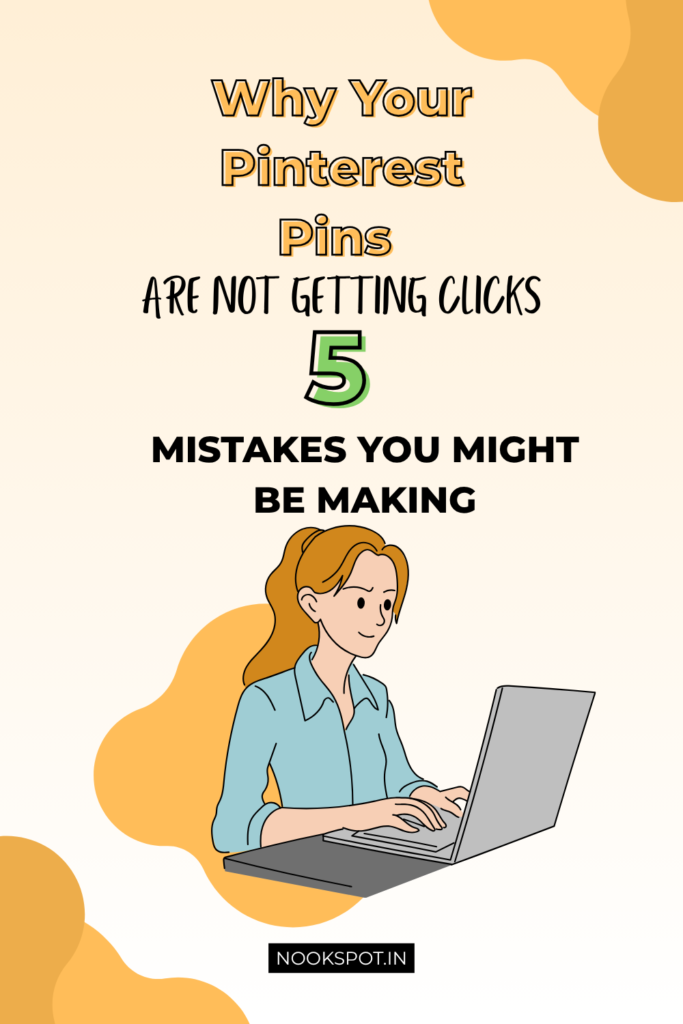
Want More Pinterest Traffic?
If you’re trying to grow on Pinterest and turn impressions into actual website traffic, don’t stop here. I also shared simple, beginner-friendly tips that can help bring more visitors to your blog.
👉 Read next: How to Get Traffic from Pinterest to Your Website: 6 Simple Fixes That Actually Work